
Building a touch-screen product takes a lot more than a screen. You need firmware that's rock solid on your exact hardware. You need a way to add features after the product has shipped, a way to push updates, and a way to tell one unit from another. Most teams end up building all of that from nothing, and then do it again for the next product.
YOS-ESP is that stack, already built and already running on real boards. If you make hardware, you can start from it instead of from an empty project.
What you'd be starting with
The first thing is board support. YOS-ESP runs on every board on the supported devices list, with screens from small to large. Every one of them was brought up and tested on actual hardware. Adding a new board works the same way: I bring it up, test it properly, and then it goes on the supported devices list.
You also get a finished interface: a home screen, settings, Wi-Fi, a clock, themes, and four ways of getting around. Your product looks finished on day one, and the screens your team adds look like they belong.
Features don't have to be locked in at the factory. They can arrive later as apps, over Wi-Fi, long after a unit has left the building. Nobody needs to reflash anything, and your customers get to pick the features they actually want. Your team builds those apps in C++ with the YApp SDK, and the same app fits a small screen and a large one.
The store already knows about hardware. Every app lists the chips, screen sizes and parts it needs, so a customer only ever sees apps that will run on the unit in front of them.
Each unit gets its own identity, too. Every device receives its own certificate when it's set up, so you always know which unit you're talking to. If one gets lost or stolen, you can cut it off.
You can sell features in different ways. Charge per device, give something away per account, or let customers try a feature for a day before they pay. The licence is checked on the device itself, so it keeps working when the network doesn't.
Finally, firmware updates reach every unit over the network, and a brand-new unit can be flashed from a browser over USB with no tools to install.
Where I think it fits
These are the kinds of places where a small touch device built on YOS-ESP makes a lot of sense.
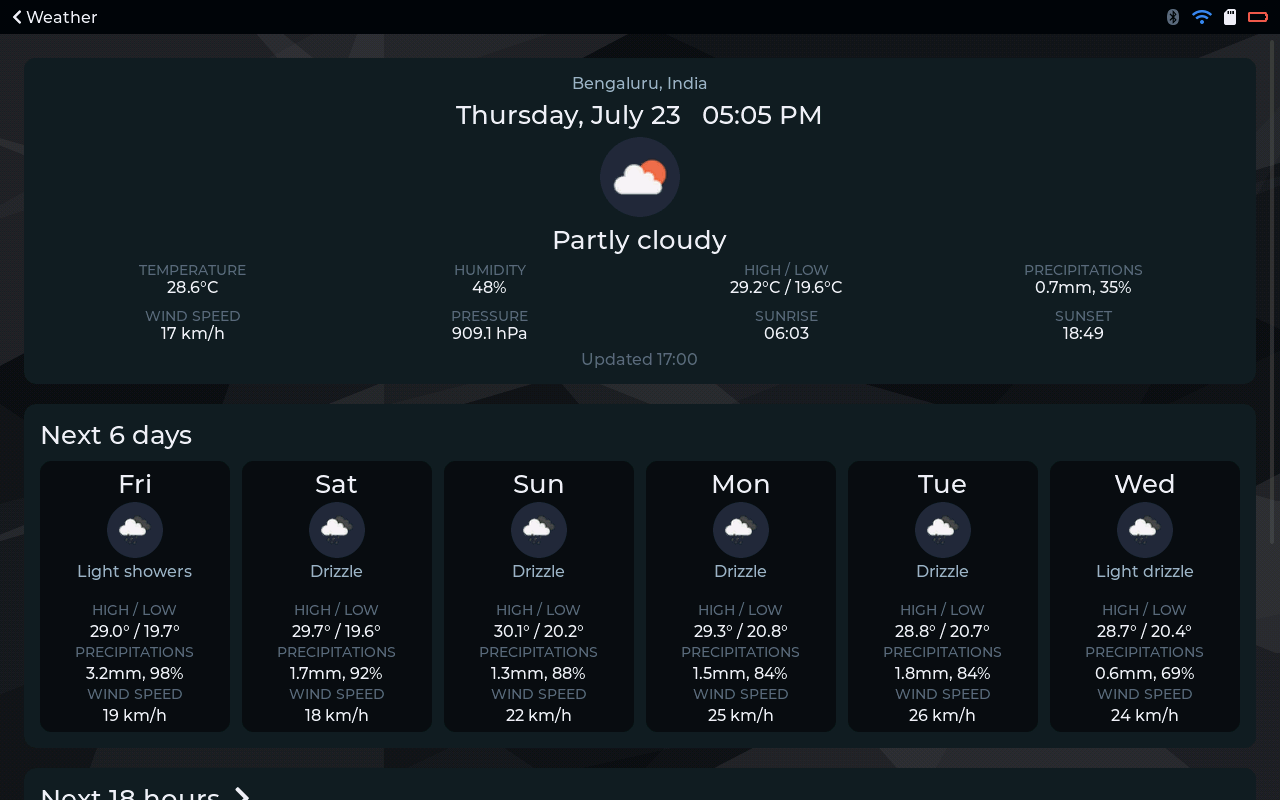
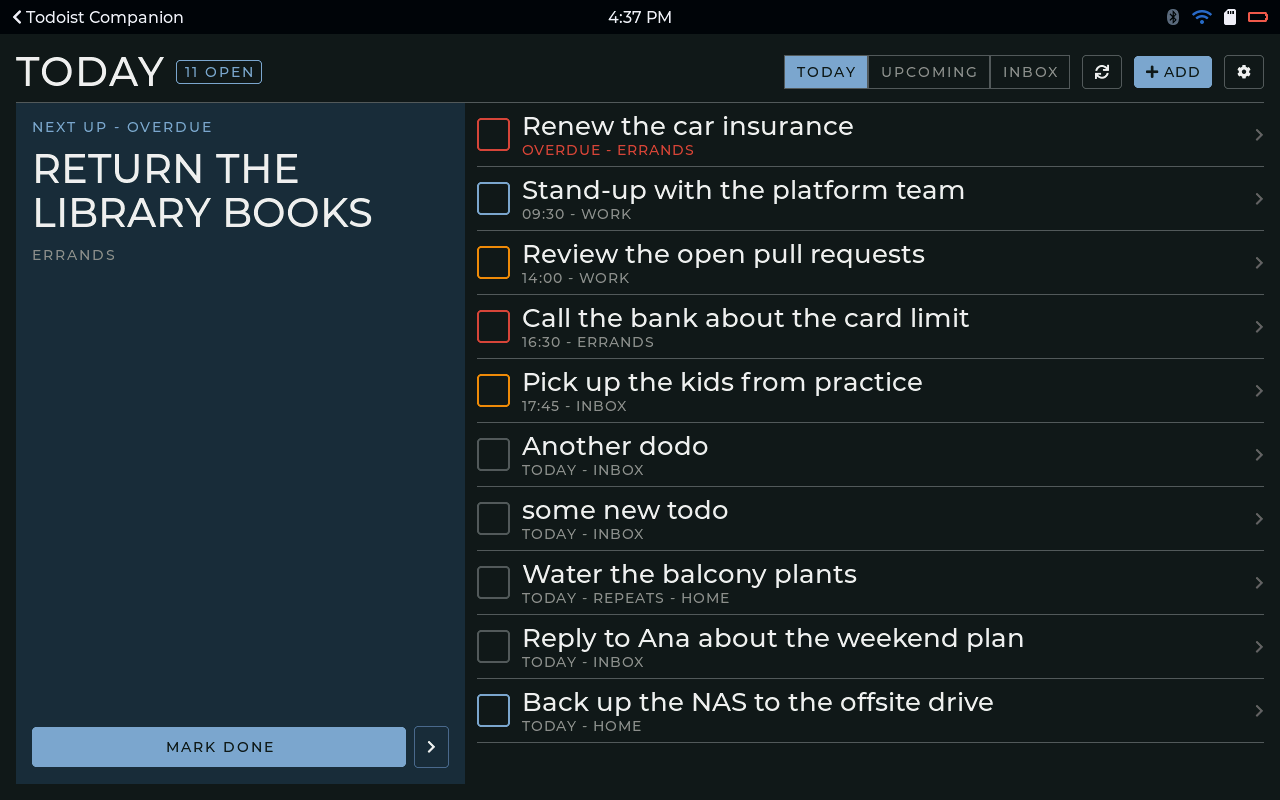
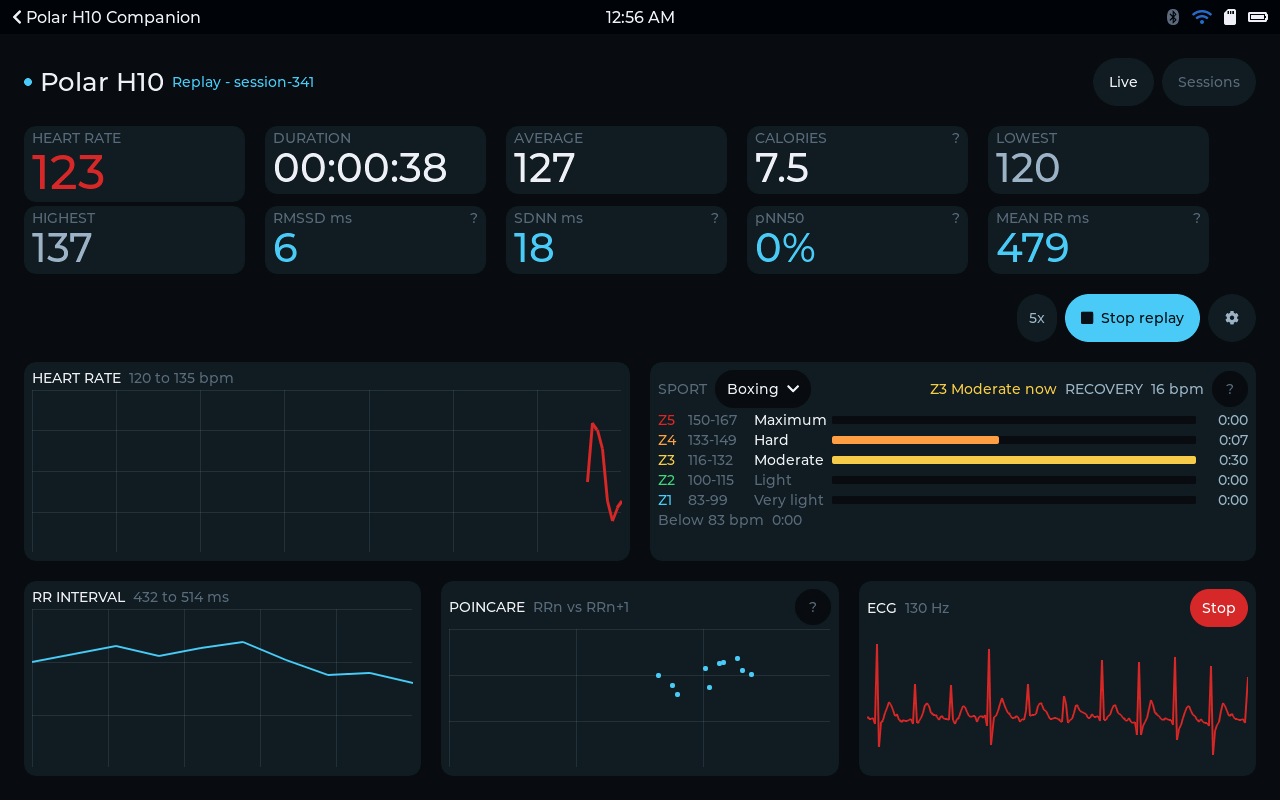
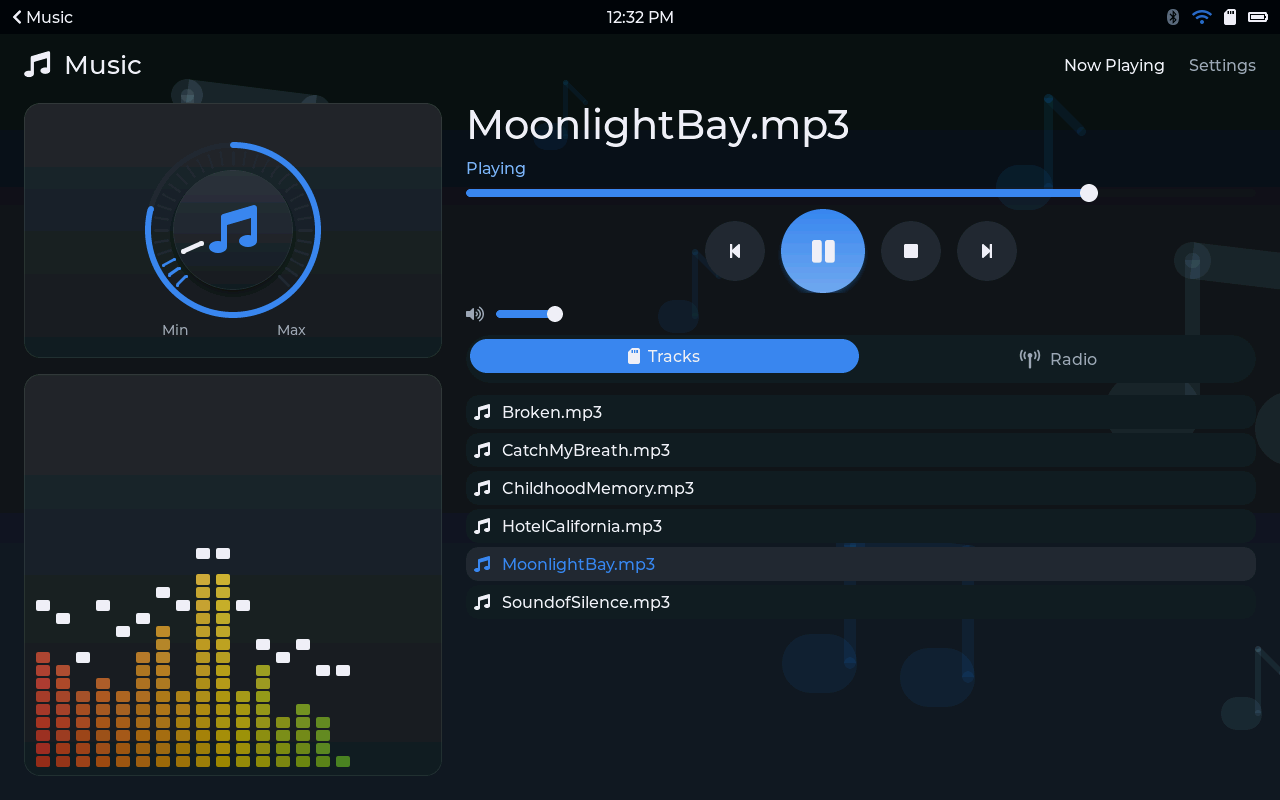
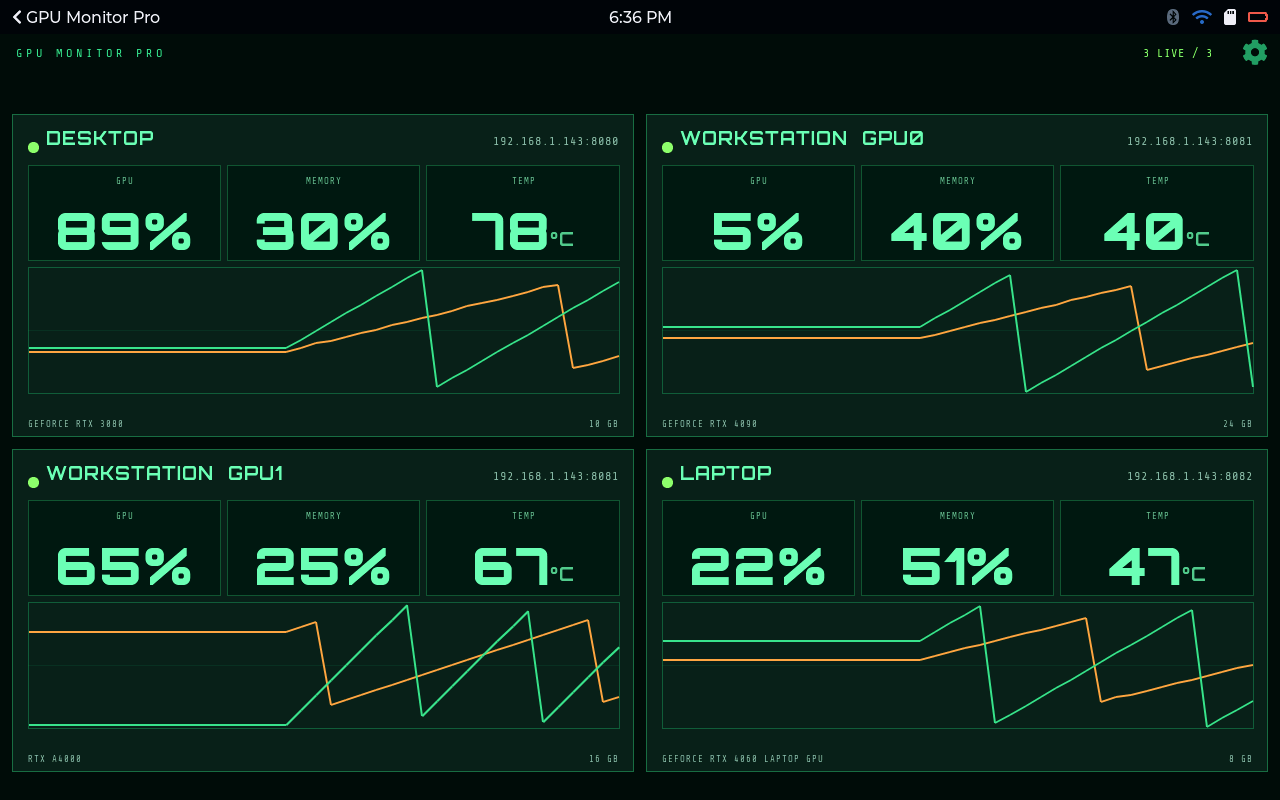
At home. A panel in the kitchen or hallway with the weather, the family's tasks, a calendar and internet radio. A companion on the desk with today's tasks, a clock and a timer. A games board for the table that has nothing on it except the games you chose. Or a control panel for your own smart-home products, with apps written for them.
In workshops and on factory floors. A small status screen beside each machine or line. Shift and process timers that you can read from across the floor, with a sound at every step. Checklists and work instructions at each station, which change over Wi-Fi the moment the process changes. Monitoring for equipment, like the load and temperature of the machines in a lab or server room. And because every unit has its own identity, you always know which screen is on which station and can swap one out without any guesswork.
In shops, cafes and offices. Counter displays for queues, orders or offers. Panels outside meeting rooms with the day's bookings. A reception screen that shows a welcome message and the time, and nothing else.
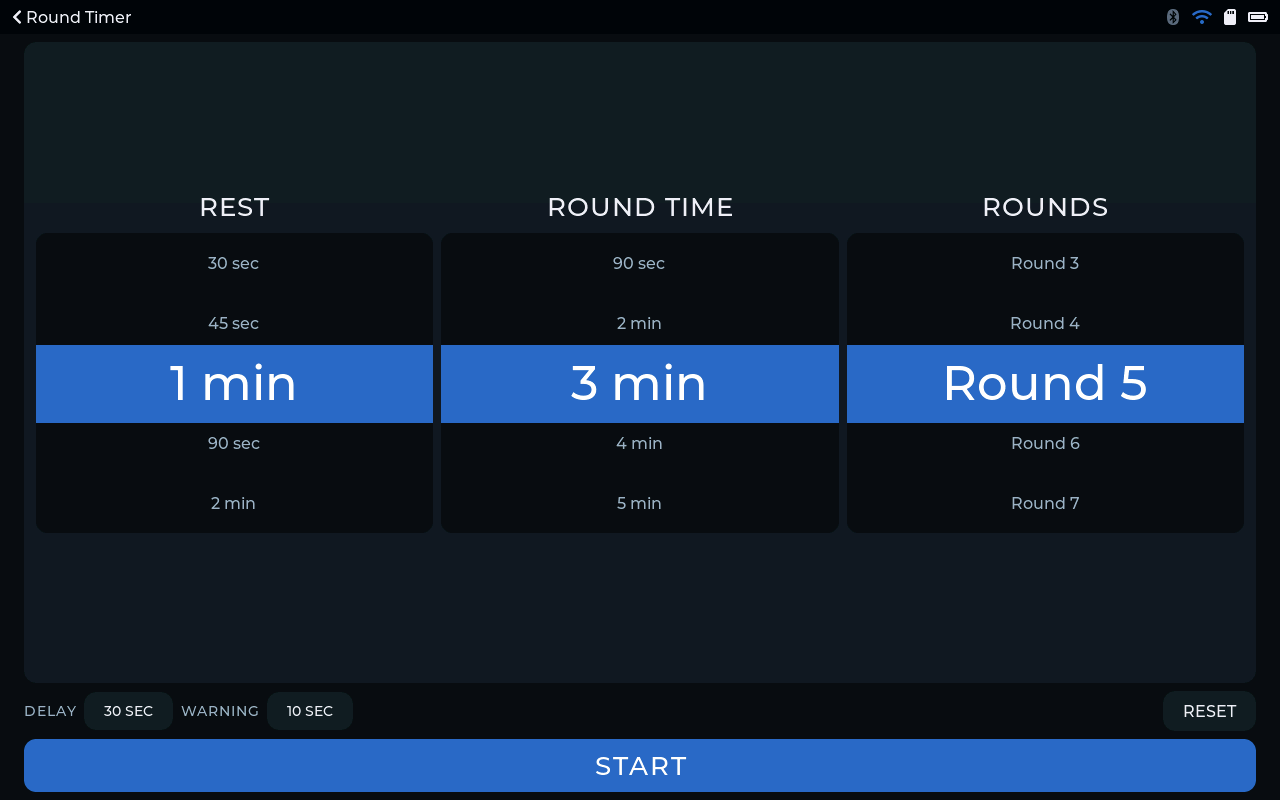
In gyms and studios. Round and interval timers on the wall. A heart-rate display from a chest strap, with training zones in plain numbers.
In schools and maker spaces. Cheap devices that students can install apps on and watch run. Classroom timers and displays that do one job and can't be turned into anything else.
How a project usually starts
You start with the hardware, either a board from the supported devices list or your own. A new board needs bring-up and testing before it can be listed. Then you work out the features. Some might already be in the store, and the rest your team builds with the SDK. After that you decide how each feature is offered: built in, sold per device, free per account, or with a trial. Then you ship. Units get flashed from the browser, claimed, and kept up to date over Wi-Fi.
Get in touch
If you make touch-screen hardware, or you're thinking about it, I'd really like to hear what you're working on. Drop me a line with the board you have in mind and what you'd like it to do.
Supported devices Does it run on your board? See the boards YOS-ESP is tested on, and what setup takes. See the devices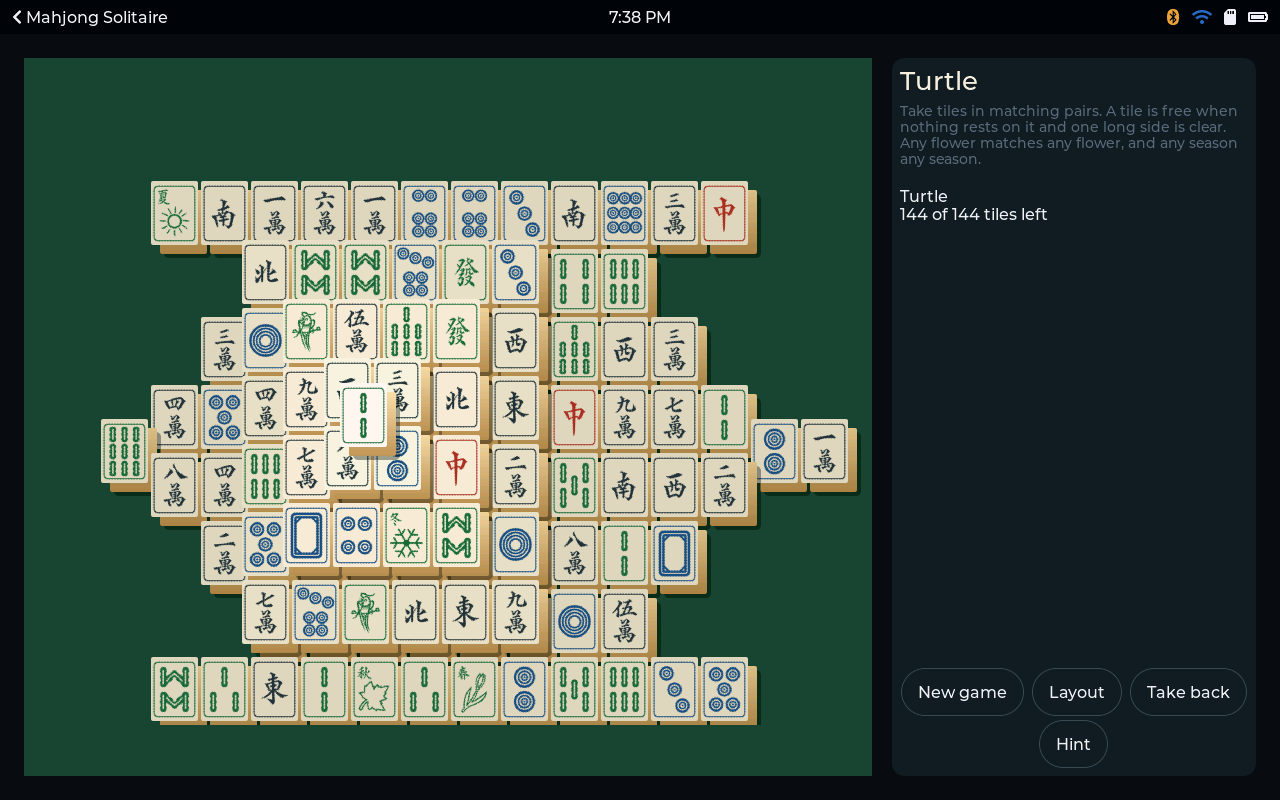
Comments
0No comments yet. Start the conversation.