
ESP32 touch-screen boards are wonderful value. You can get one with a big, sharp screen for about what you'd pay for a decent pair of headphones. And then you power it on, and it shows you a demo with three buttons and a slider, and that's where the story usually ends.
Back in 2022 I put out ESP32-TUX, an open-source starter kit for these screens. All you needed to try it was a USB cable and a browser. People liked it, and the question I kept coming back to was: what would it take to make one of these boards into something you'd actually keep on your desk?
YOS-ESP is my answer to that question. It's the whole thing now, from what's drawn on the screen to the store where you get apps for it.
What's actually in it
There's the firmware, which is the software on the board itself. It handles the screen, the touch panel, Wi-Fi and the clock, and it gives you a home screen, settings and a launcher. The same firmware runs on every board I support, from a little 2.4-inch AMOLED up to a large panel.
Underneath it sits the UX framework, the toolkit everything on screen is built with. It's why every page looks like it belongs to the same device. It's also why you get to choose how you move around: swiping between pages, a grid of icons, tabs, or a roller. I've never managed to agree with anyone on which one is best, so you pick.
Then there's the store, which is this website. Apps, games and asset packs live here, and you only ever see what fits your board. I didn't want anyone paying for an app and then finding out their screen was too small for it.
The flasher puts the firmware on your board straight from the browser over USB. No toolchain, nothing to download.
And your account keeps track of your devices and licences. Rename a board, move an app from one board to another, or cut off one you've lost.
What you can put on it
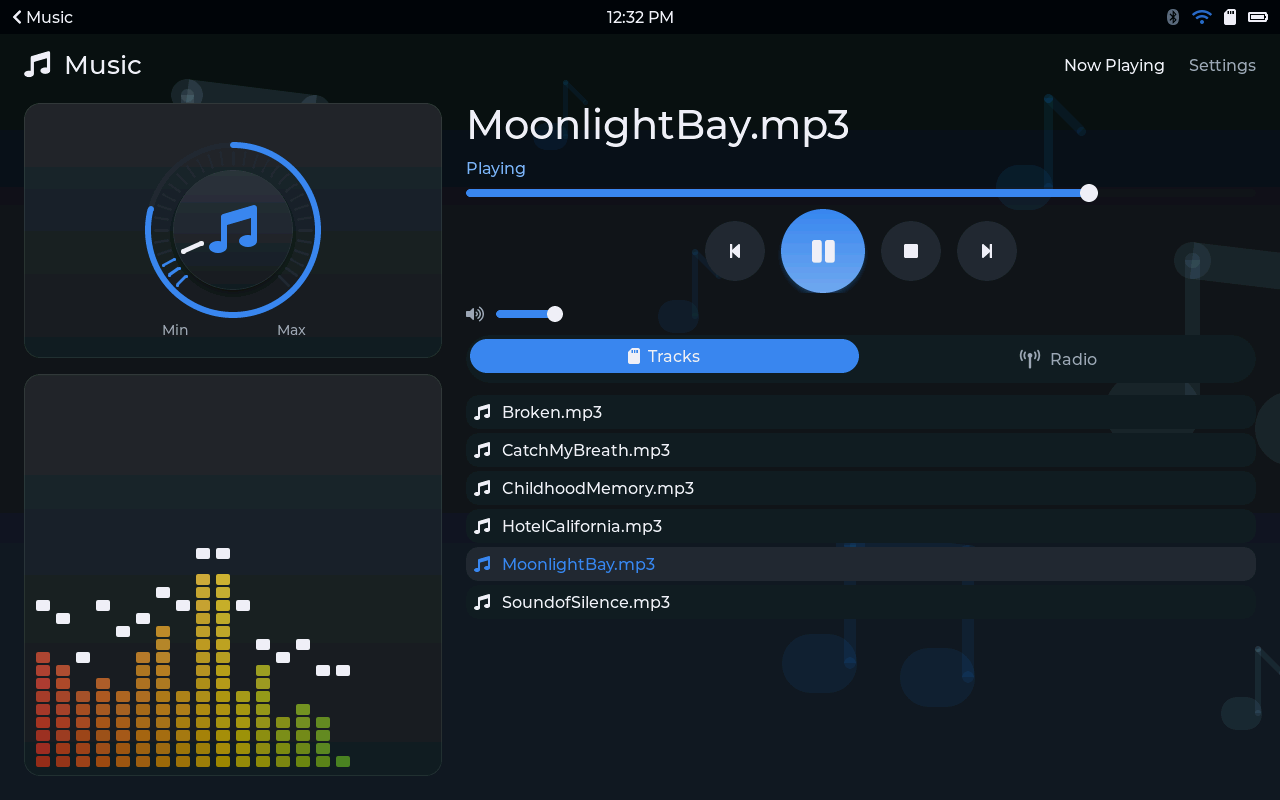
Apps, mostly. There's a companion for the Polar H10 heart-rate strap, Todoist and Asana task lists, a round timer for the gym, weather, music and internet radio, a calendar, a calculator, and a few more. There are games too: board games for two to four people sharing one screen, and some puzzles for when it's just you. And there are asset packs, which add things to apps you already have, like extra radio stations or a new set of Mahjong tiles.
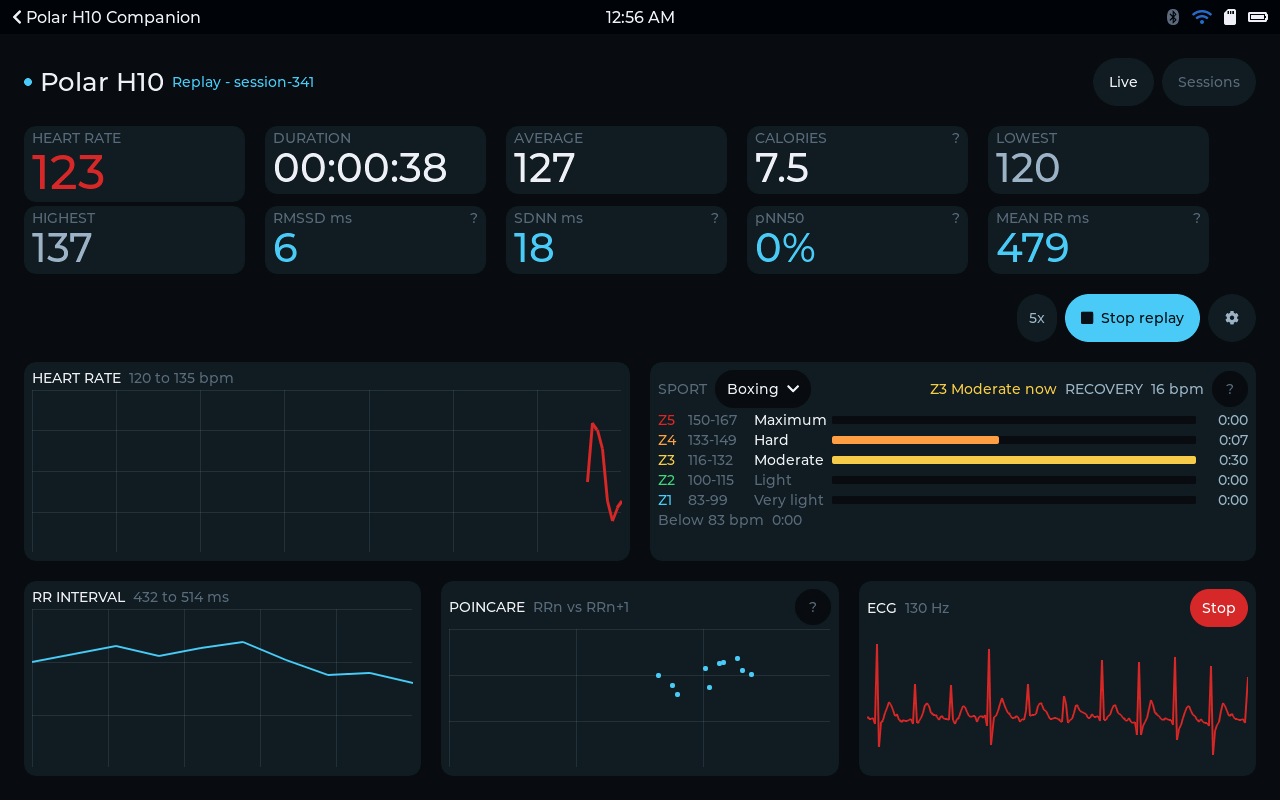
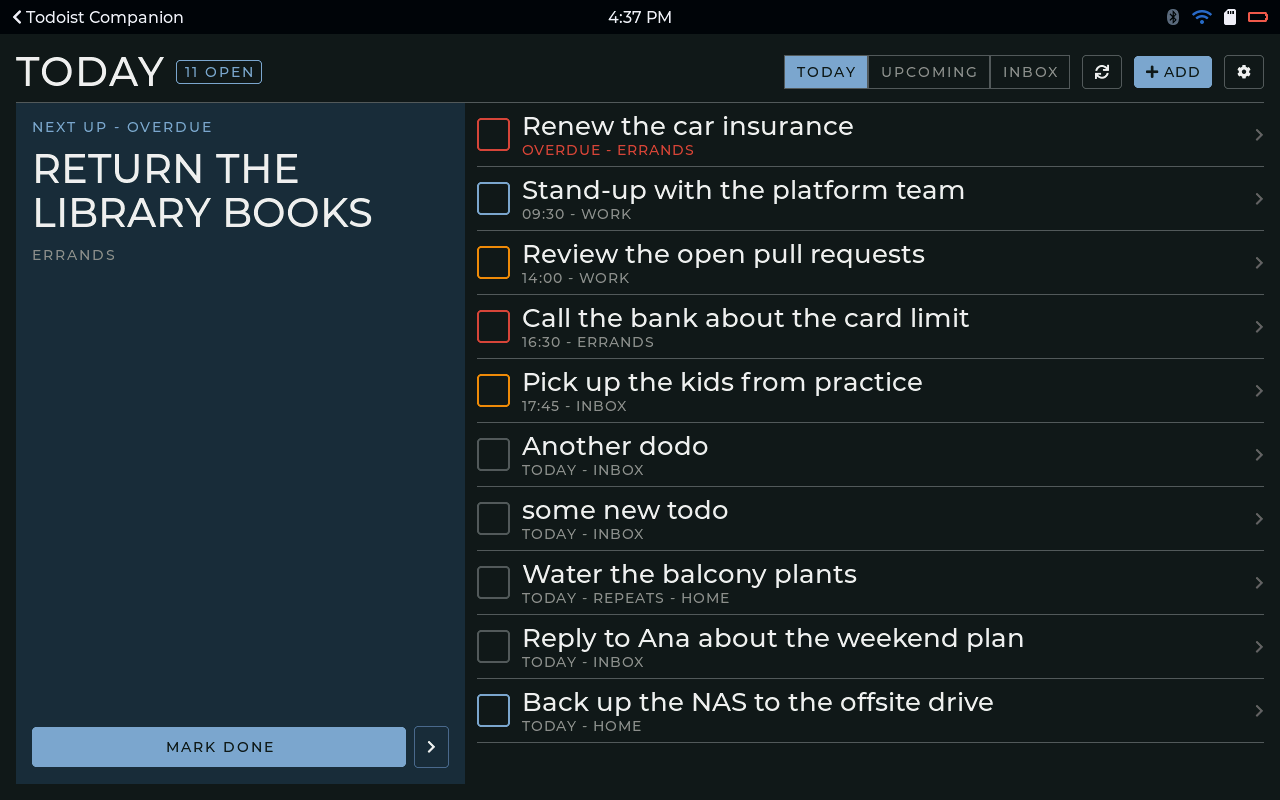
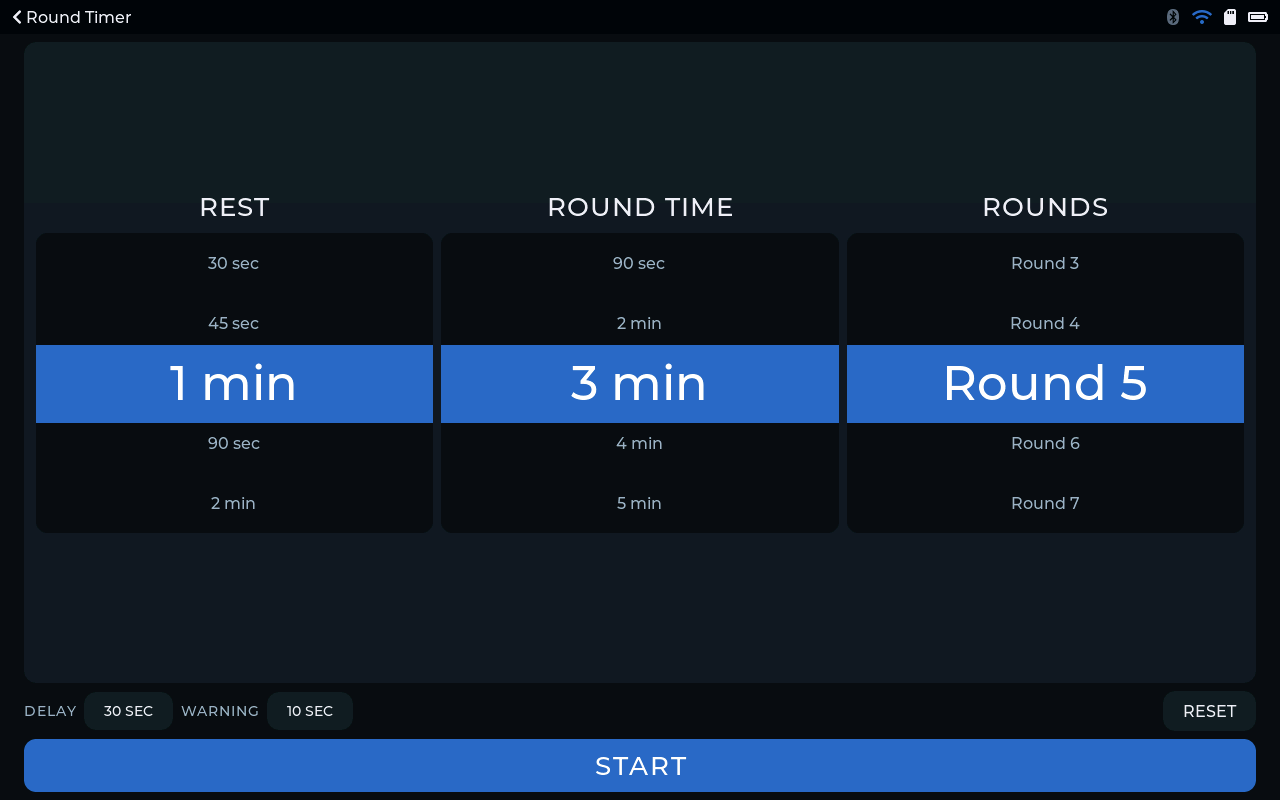
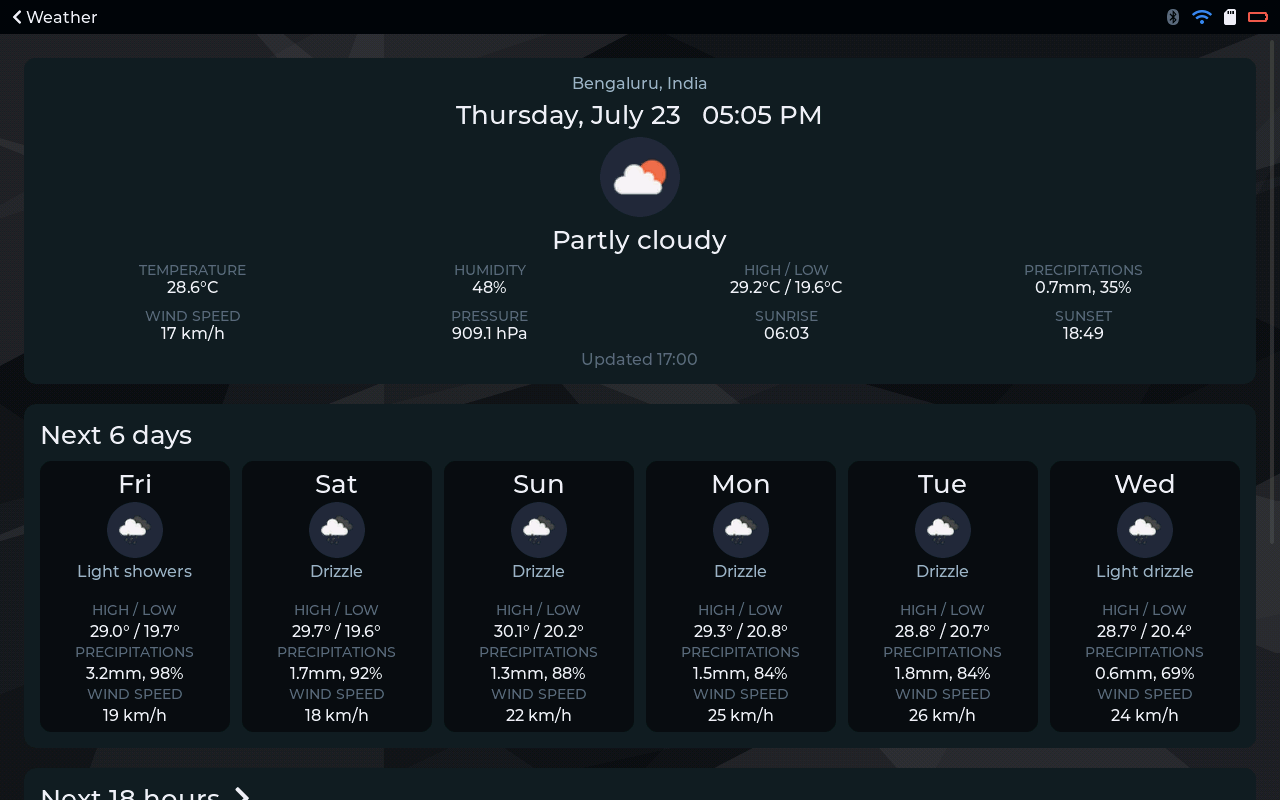
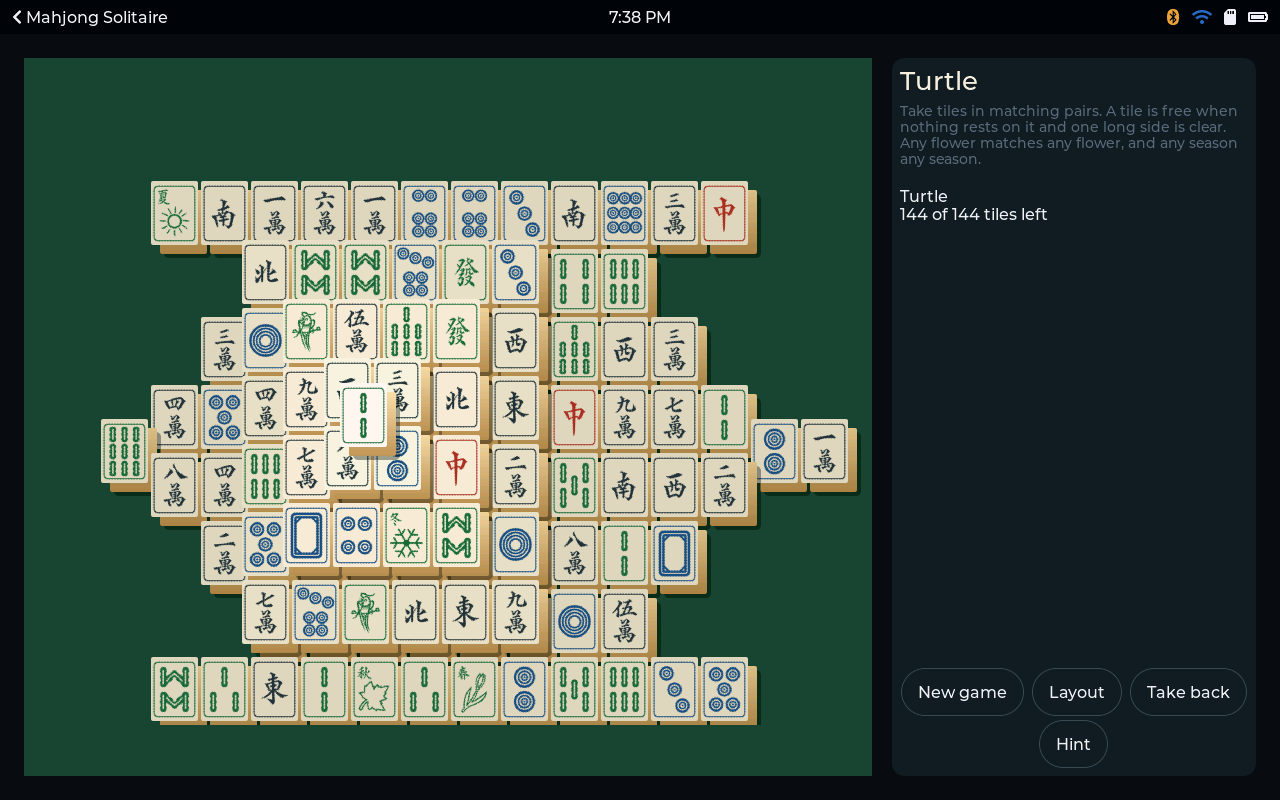
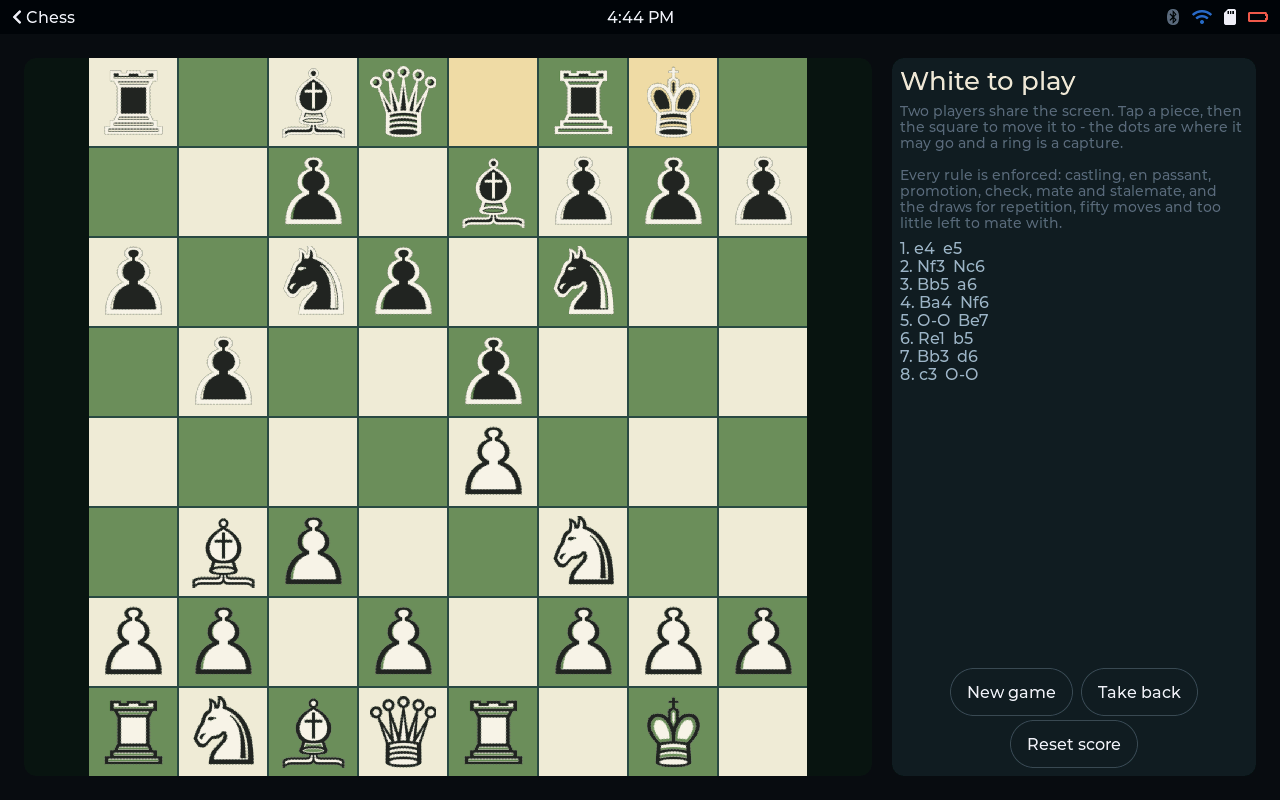
Apps install over Wi-Fi. You don't reflash the board and you don't need the cable again.
Which boards
Every board on the supported devices page has been brought up and tested on real hardware, not just read off a datasheet. The list grows as I bring up new boards, so that page is always the one to check.
Each app's page tells you which of those it runs on. When an app doesn't run on a board, the page says why. It's usually the chip, the screen size, or a missing part like a speaker or a memory card slot.
What it costs
The firmware and the board support are free. Flash a board, use it, never buy anything. That's fine by me.
The apps are where the money comes in. Some of them are free too. The paid ones are a one-time purchase for one device. There's no subscription, and I'd like to keep it that way. Most apps have a short trial, so you can see one running on your own screen before you decide.
Who it's for
If you've got a touch board sitting in a drawer because you never quite figured out what to do with it, this is for you.
It's also for anyone who wants a small screen on the desk with their tasks, their heart rate or the weather on it, without picking up a phone and getting dragged into everything else on there.
And it's for companies that make touch-screen hardware and would rather not build all of this from scratch. I've written a separate post about that.
Next up, I'll explain how the pieces fit together, and then go through some of the apps one by one.
Supported devices Does it run on your board? See the boards YOS-ESP is tested on, and what setup takes. See the devices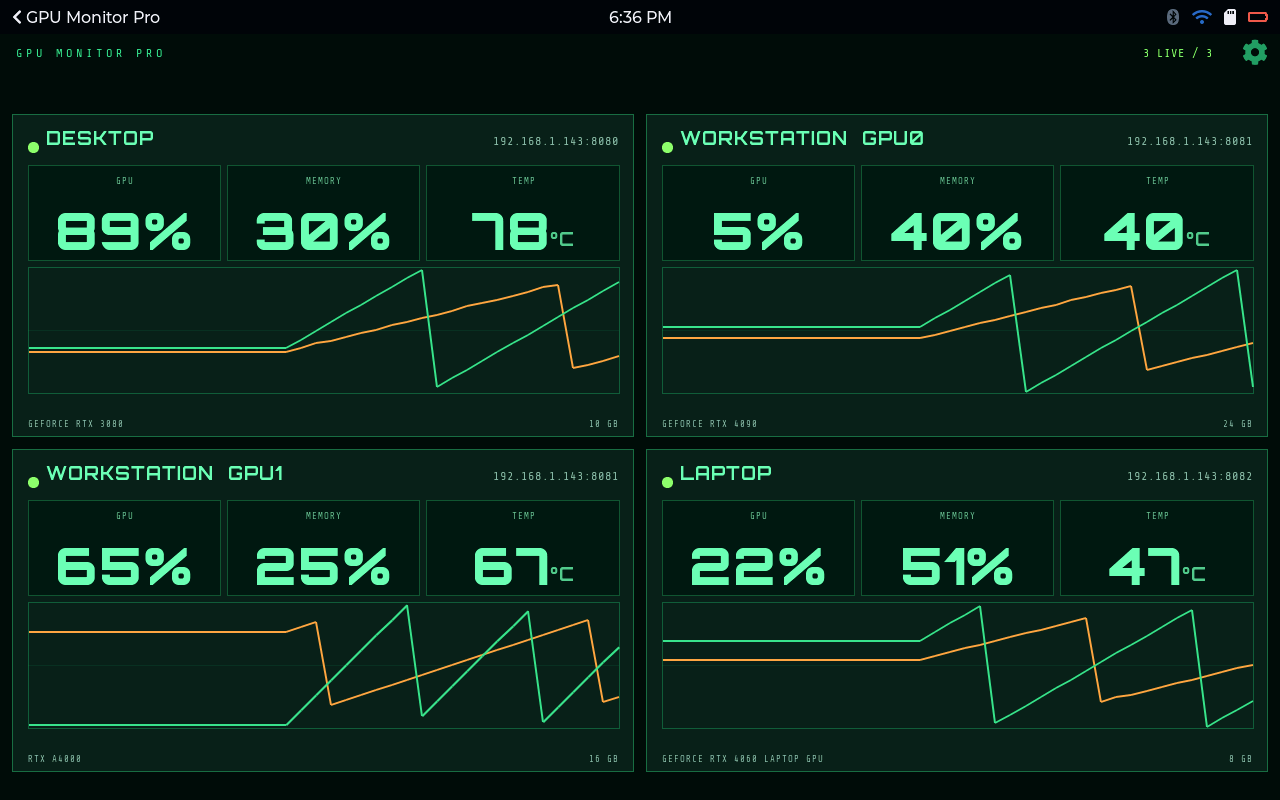
Comments
0No comments yet. Start the conversation.