
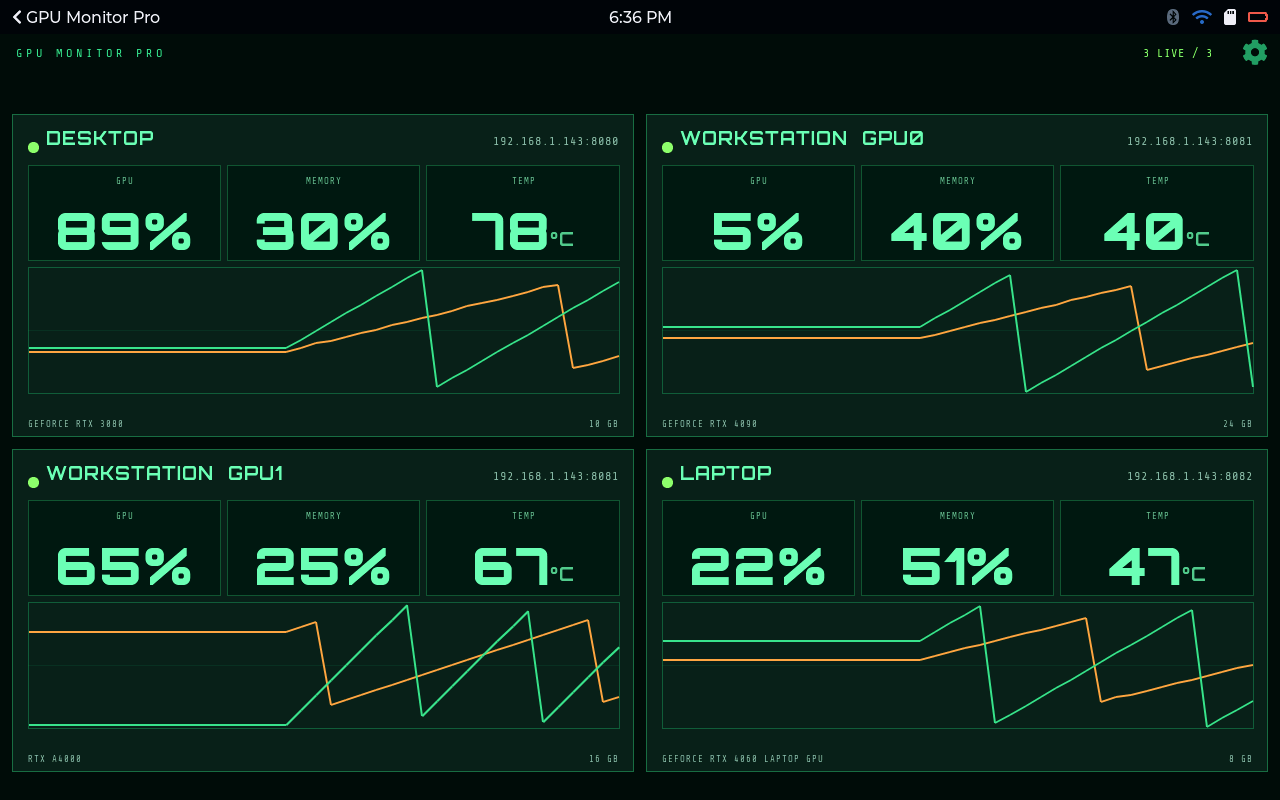
When you buy an app on your phone, a surprising amount happens that you never see. It's the same here. I want to walk through those parts, without disappearing down any rabbit holes.
It starts with the board knowing who it is
When you flash a board from the browser, you also sign it in to your account. I call this claiming. While it's being claimed, the board gets its own certificate. Think of it as a passport. The board shows it every time it talks to the store.
That one step does a lot of work. The store always knows exactly which board is asking for something, and nobody else can pretend to be it. The board shows up on your account with a name you choose. And if it gets lost or you sell it, you remove it from your account and it stops acting on your behalf.
Licences
A licence is simply permission to run an app on a device.
You buy an app and a licence appears on your account. When you install the app on one of your boards, the licence binds to that board. Paid apps work per device, one licence for one board. Free apps work per account, so they go on every board you own.
The licence is signed, and the board checks the signature itself. I cared about this a lot. A paid app shouldn't stop working because your Wi-Fi went down or because my server is having a bad day.
If a board dies, or you just want the app somewhere else, release the licence and bind it to a different board.
Trials
Most apps have a trial, and under the hood a trial is just a licence with an end time.
You start it on one of your devices and the app runs normally. That's the whole point: you see it on your own screen, at your own desk, rather than squinting at screenshots. When the time's up, the app stops. You get one trial per app per account. Buy it afterwards and you get an ordinary licence, and nothing else changes.
YApps
A YApp is an app for YOS-ESP, delivered as a single package from the store.
The board downloads it over Wi-Fi and keeps it in its own area of flash, separate from the firmware. The firmware loads it and runs it. You don't reflash anything, and the app survives firmware updates.
YApps are native code rather than scripts, which is why they feel quick on hardware this small. Before the firmware loads a package, it checks that the package was built for that firmware. A mismatched app just doesn't load, rather than misbehaving.
Not every package is an app. An asset pack adds content to one you already have: radio stations for the music app, pictures for the gallery, or a new set of tile faces for Mahjong.
The SDK
The SDK is what every YApp is built against. It gives an app a fixed set of things it can ask the firmware for: drawing, touch, files, the network, sound, settings and so on. An app can't reach past that. It keeps apps small, and it means a firmware update doesn't quietly break them.
It also comes with ready-made layouts for the shapes apps need most, like a settings page or a dashboard of cards. An app built with them looks right on a small screen and on a large one, with no extra layout work in the app.
The UX framework
This is the toolkit the firmware itself is built with, on top of ESP-IDF and LVGL 9.
It's where the themes, fonts, spacing and colours come from, so every screen on the device feels like part of the same thing. Each screen size has its own layout profile, which is how the same page can fit a small round-cornered AMOLED and a big panel. It's also what lets you switch between the four ways of getting around (pages, grid, tabs or roller) and have every page still work.
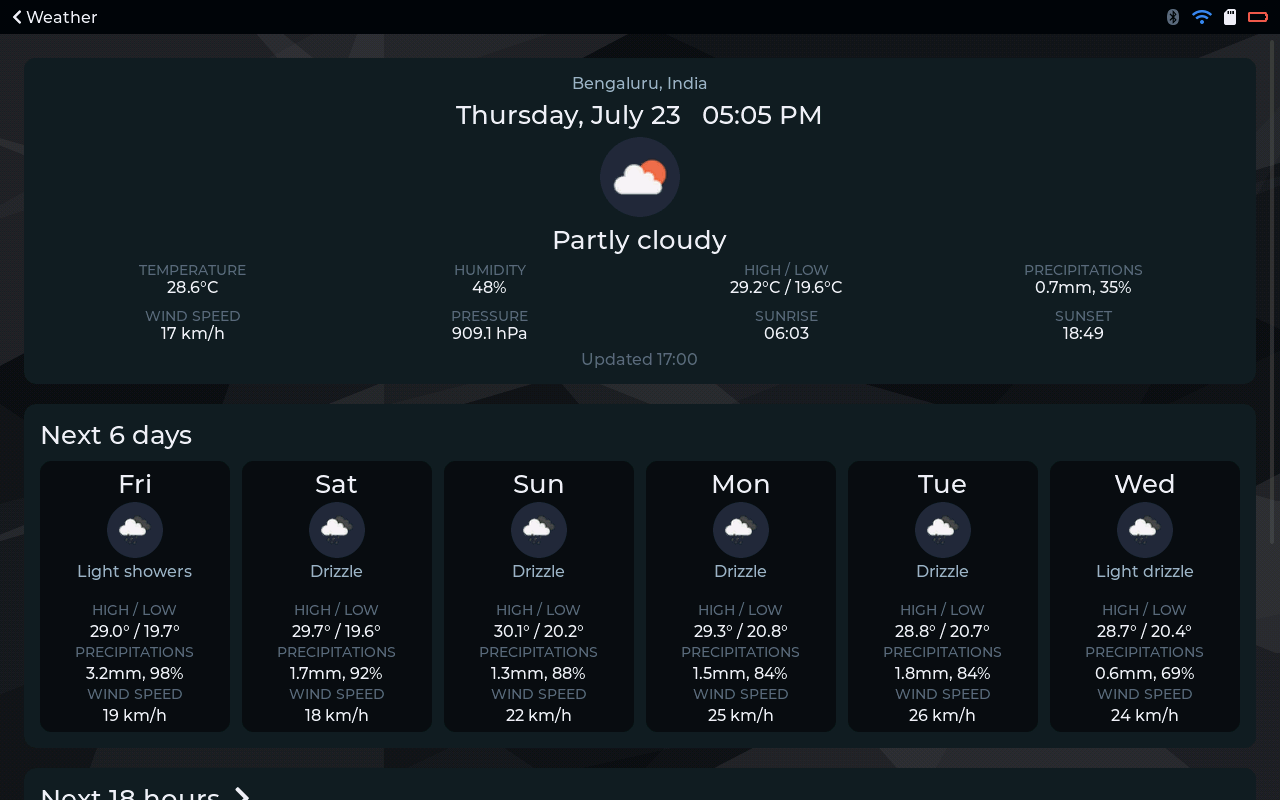
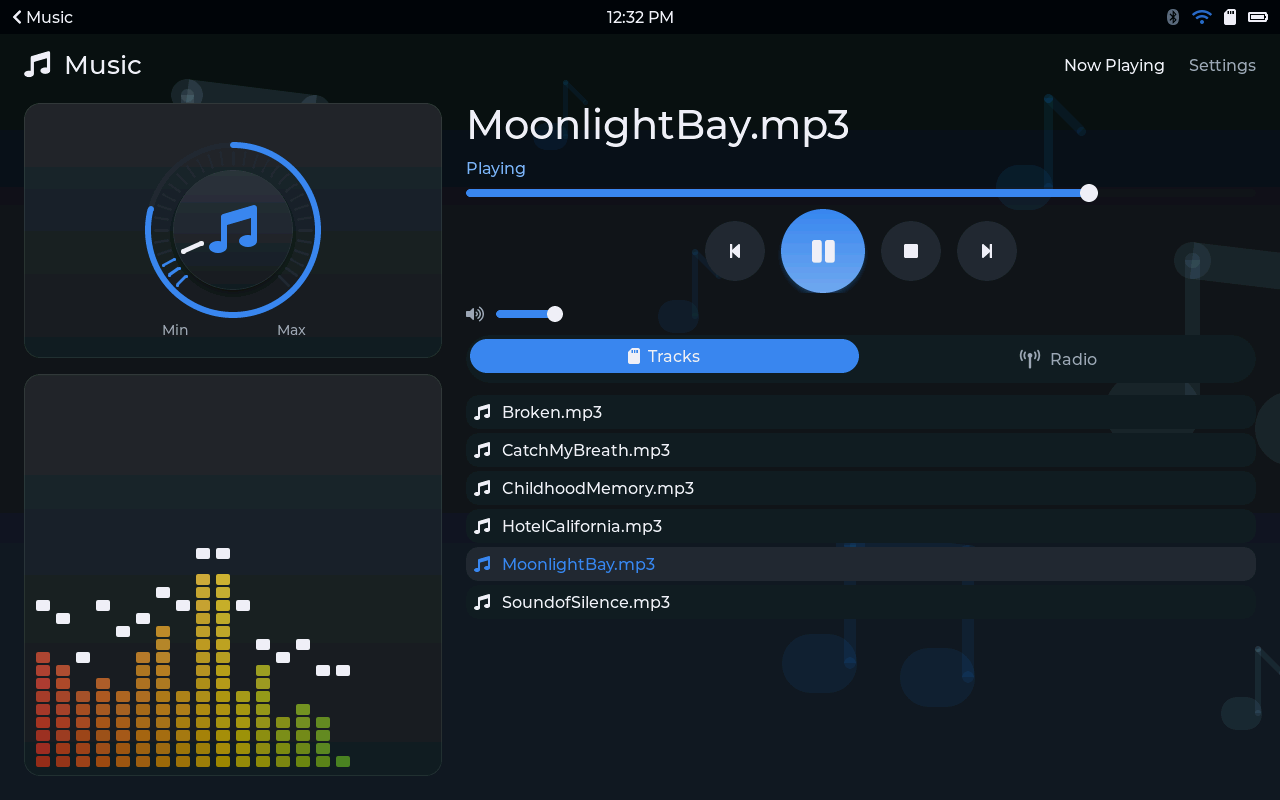
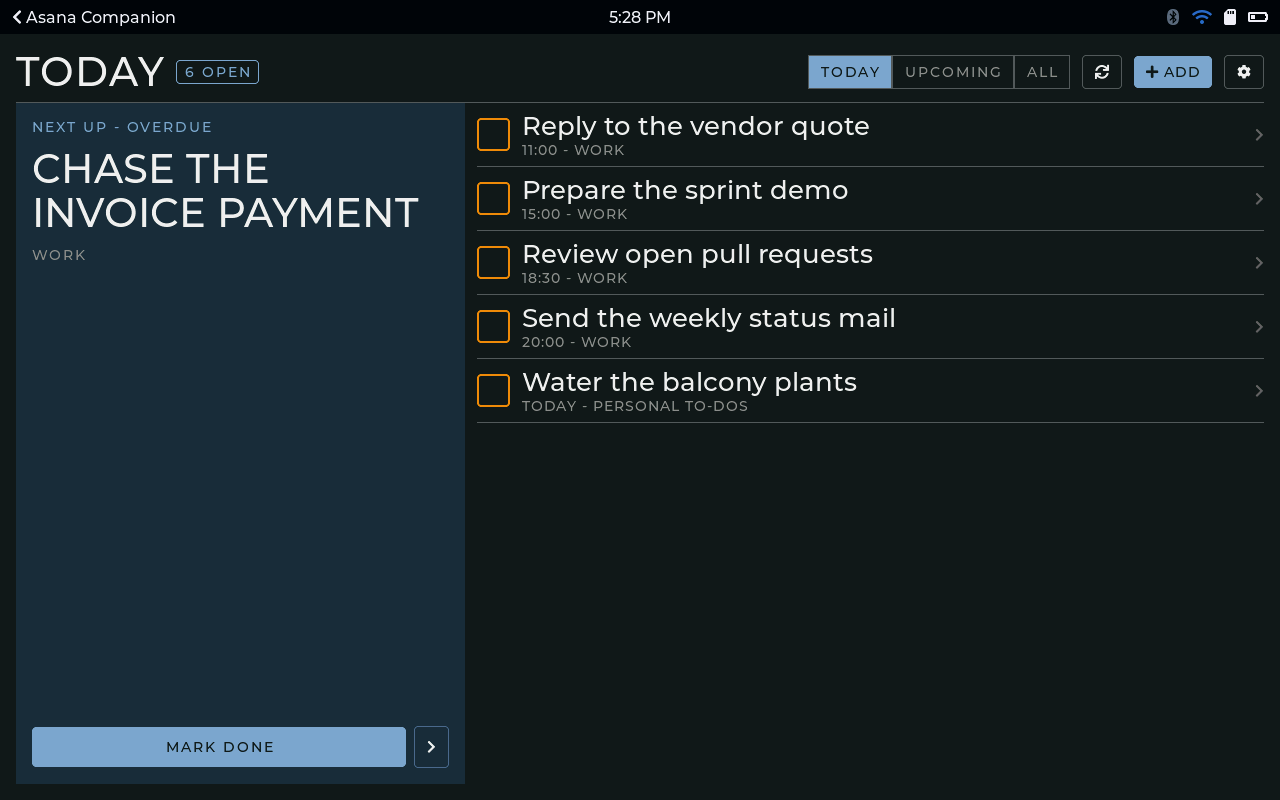
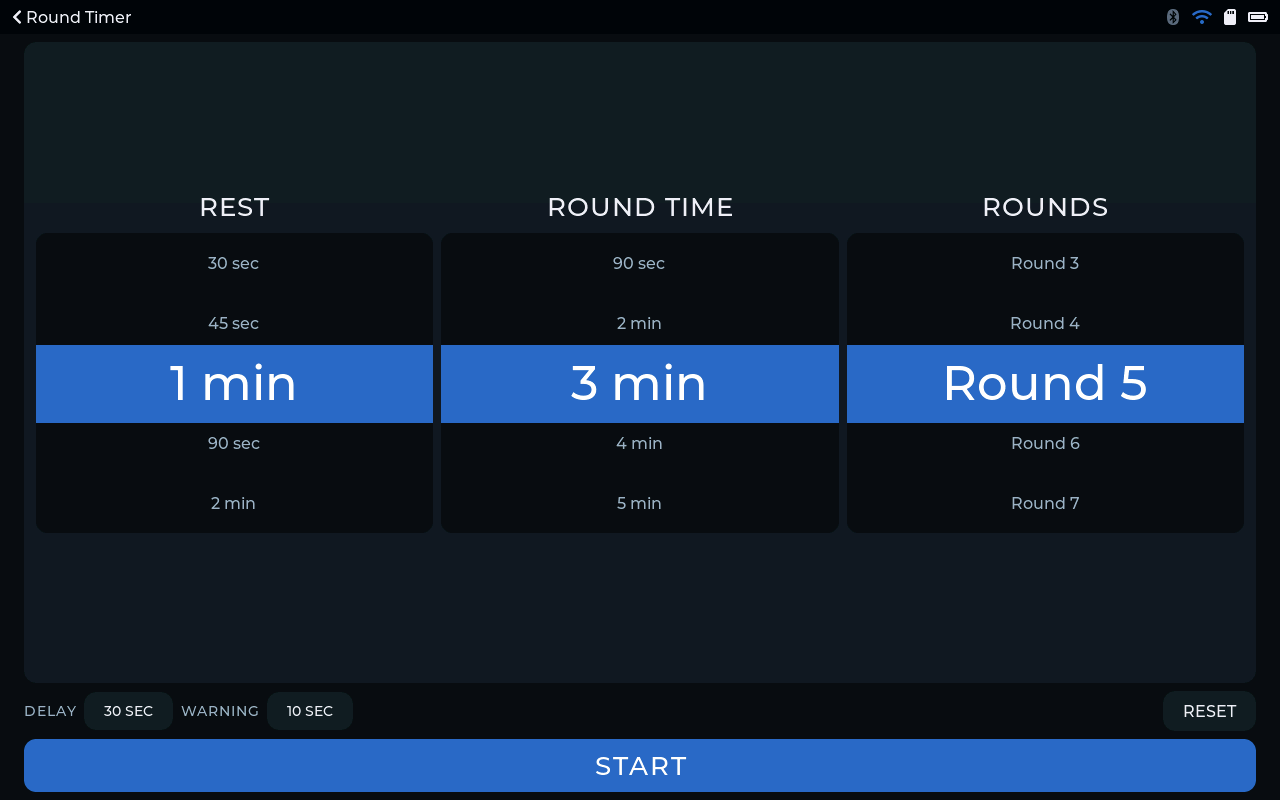
Putting it together
So here's the full trip, from the store to your desk.
You flash a board from the browser and claim it, and it gets its certificate. You find an app, and the store only shows you ones that fit that board. You start a trial or buy it, and a licence lands on your account. You pick the board, and the board fetches the package and the signed licence. The firmware checks both and starts the app, and it looks at home there because it's built from the same toolkit as everything else. Later on, updates arrive over Wi-Fi.
None of these pieces is very exciting on its own. What I like is that together they turn a bare board into something you can keep adding to, and trust.
The store Apps, games and packs for your board Every app shows which boards it runs on before you buy. Open the store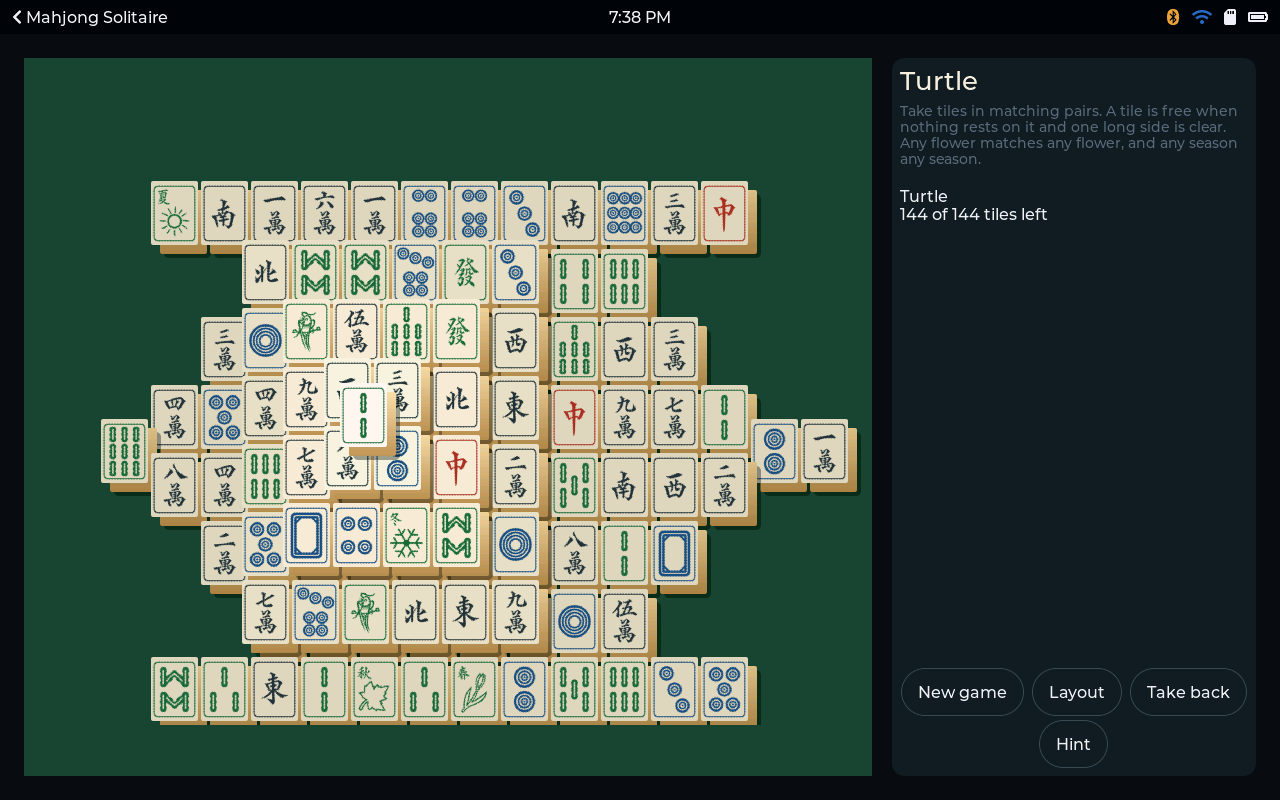
Comments
0No comments yet. Start the conversation.