yos-esp.com/flash
1Install
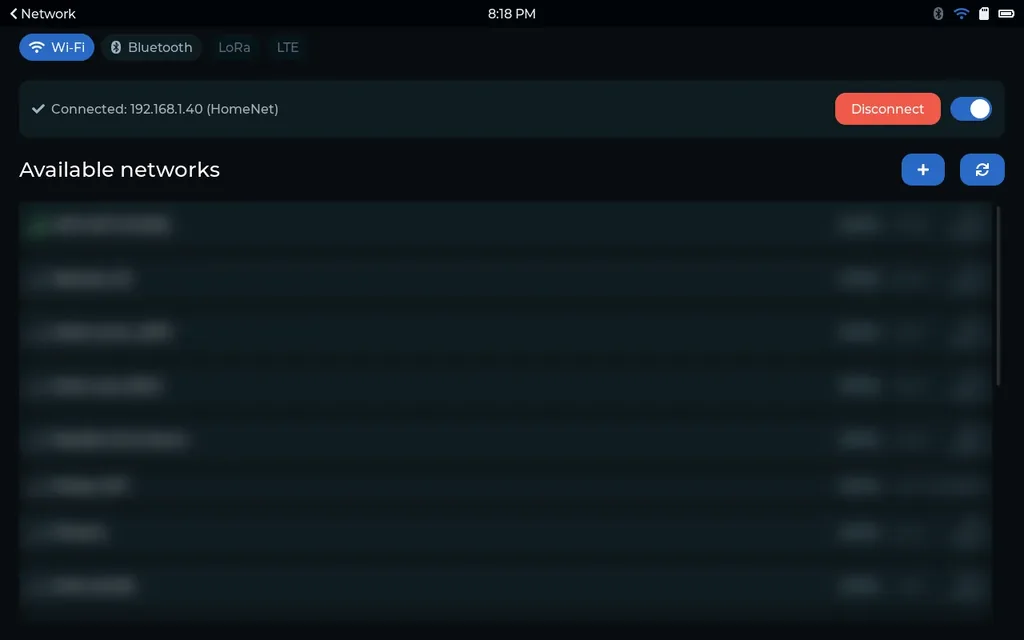
2Wi-Fi
3Timezone
4Pair
5Location
Devices / 10.1" ESP32-P4 touch display
Set up your 10.1" ESP32-P4 display
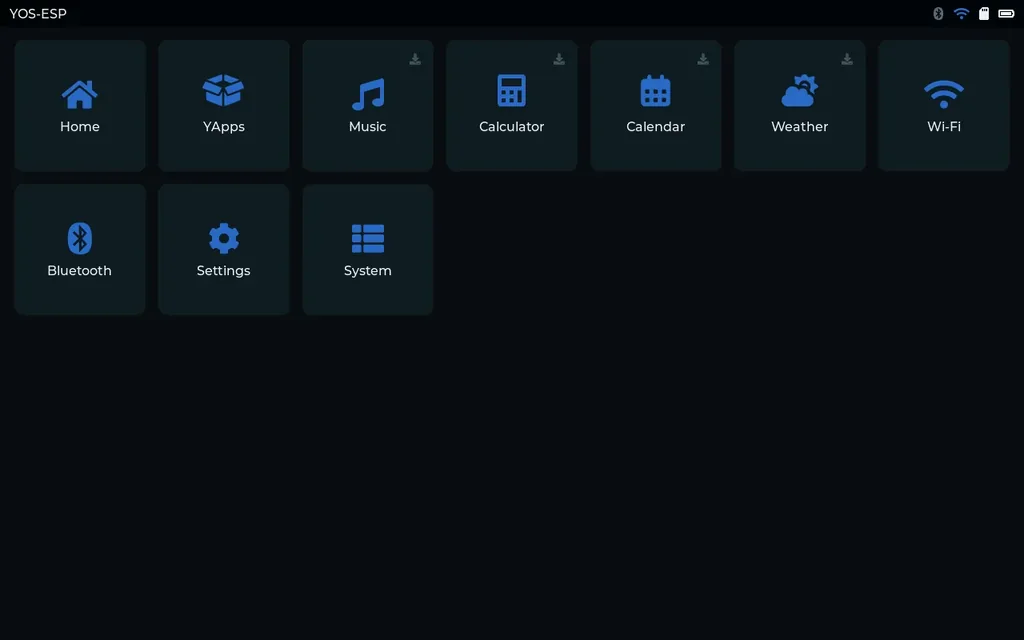
ESP32-P4800x1280 panel16 MB flash
Plug the board in, then press Install.
Install the firmware
Install firmware0%
yos-esp.com wants to connect to a serial port
USB JTAG/serial debug unit (COM5)
Connect
Connect it to your Wi-Fi
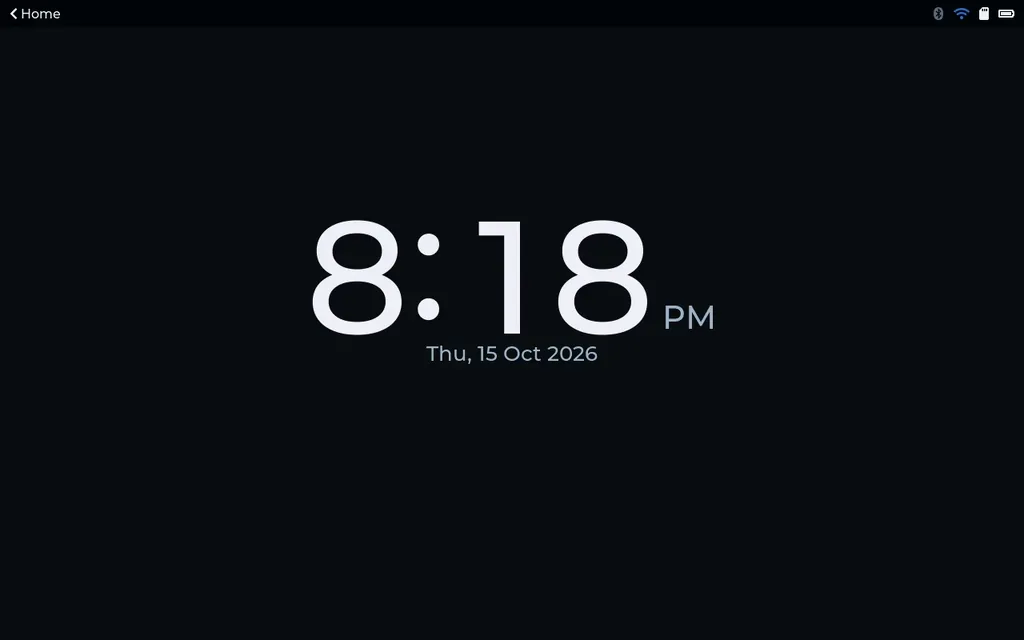
Connect this deviceSet the clock's timezone
Set the timezoneDaylight saving is handled for you.
Add this device to your account
Signed in. The device gets its own certificate.
Pair this devicePaired. It shows up under My devices.
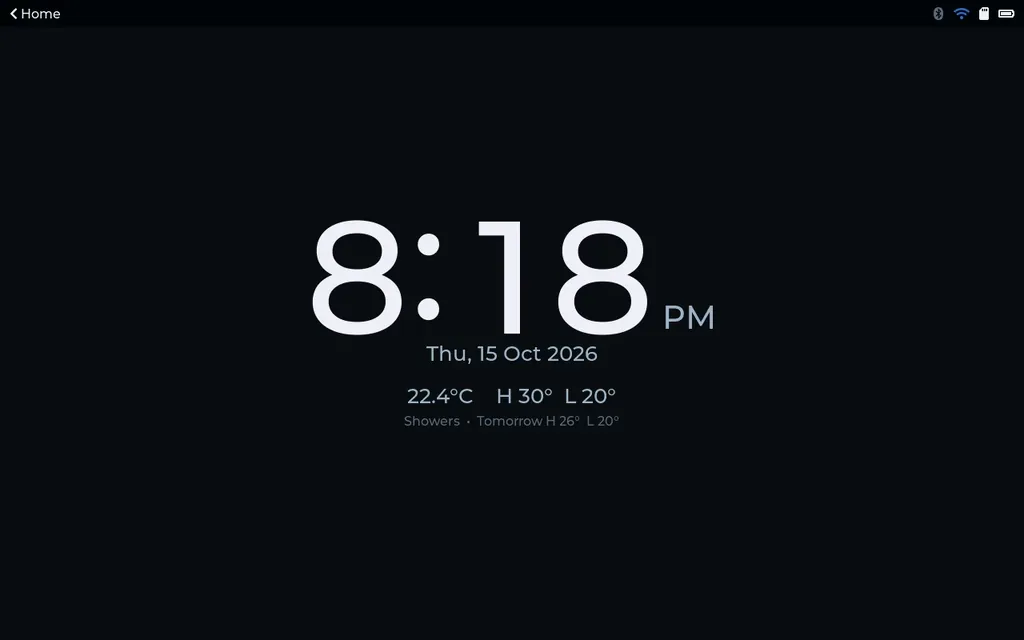
Set the location for weather
Set the locationAll set
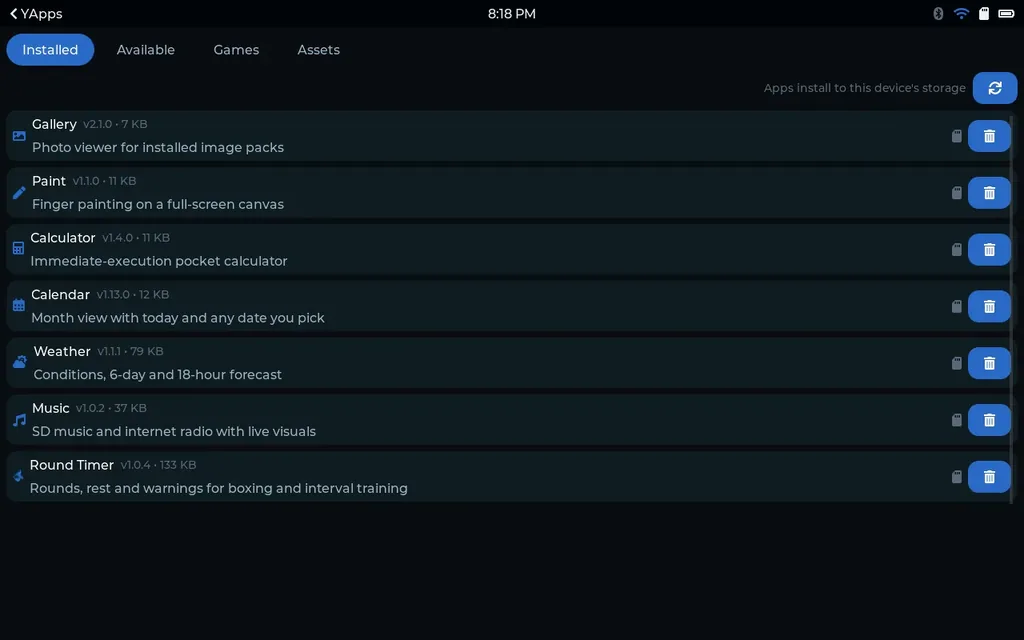
Updates now come over Wi-Fi. You will not need the cable again.
Open the store